
Epic Games is tightening the rules for competitive Fortnite : to enter official events, some players will need Secure Boot and TPM switched on, alongside virtualization-based security. Clear message: tournaments are meant to be played on a system Epic can trust. No drama for most people, though—this targets Fortnite tournaments, not everyday matches.
The aim is to curb kernel-level cheats and hypervisor-style cheat tools that hide from standard detection. If you’re not chasing cash cups or FNCS-style brackets, you can keep playing normally. If you are, expect a quick trip into your PC’s UEFI/BIOS settings to enable the right security toggles—simple, but it can catch you off guard.
Why did Epic tighten PC security for Fortnite tournaments now?
Competitive Fortnite has always lived on a simple promise: everyone queues into the same match with the same rules, and the winner is the one who reads the zone, hits shots, and keeps calm under pressure. Lately, though, the pressure hasn’t only been on players. It’s on Epic Games too, because high-stakes events attract people who try to bend the game with tools that don’t behave like “normal” cheats. We’re talking about software that hides deep in the system, sometimes at the kernel level (often described as “ring 0”), or even underneath the operating system via hypervisor-based techniques (“ring -1”). That’s not a sci‑fi headline; it’s a known pattern in modern anti-cheat security, and it’s one reason tournament rules evolve over time.
Epic’s move ties tournament eligibility to features that help confirm a PC is running in a more verifiable state: TPM, Secure Boot, and virtualization-based security (VBS). This isn’t presented as “we think you’re cheating”; it’s closer to “we can’t reliably trust what we can’t validate.” And yes, I get the frustration some players feel—PC gaming thrives on freedom and tweaking. But on the esports side, organizers are constantly balancing that freedom against competitive integrity. If a cheat requires disabling VBS or weakening boot protections to stay hidden, making those protections mandatory is a straightforward way to cut off a whole category of abuse. It’s less dramatic than it sounds, and it’s targeted: tournaments, not the entire Fortnite player base.
Does Secure Boot and TPM affect everyday Fortnite players?
If you’re playing Fortnite Battle Royale casually, running pubs, grinding quests, or just hopping into Creative with friends, these checks are not aimed at you. The change is framed around official Fortnite tournaments and competitive participation, where prize pools and ranking systems make the cheating incentive much higher. That distinction matters, because some other major shooters have already tied these kinds of checks to basic access, meaning you need the security stack just to launch the game. Epic, at least for now, is keeping the stricter requirements focused on the esports lane, which avoids cutting off a chunk of normal players who may be on older setups or who simply don’t want to touch BIOS settings.
There’s also a practical side: the Fortnite ecosystem is huge, and any broad “security gate” can create a support nightmare. By limiting enforcement to competitive events, Epic can raise fairness standards where it matters most without triggering a wave of “my game won’t start” reports from the wider community. And honestly, that’s a sensible middle ground. I’ve been in Discord calls where someone is trying to fix stutters while their duo is yelling “ready up.” Asking that same person to troubleshoot UEFI firmware options just to play a normal match would be a mess.
- Tournament-only scope : the stricter checks are tied to competitive participation.
- Casual playlists : normal matchmaking remains largely unaffected by these requirements.
- Lower PR risk : fewer players blocked for reasons unrelated to gameplay skill.
- Targeted anti-cheat pressure : raises the cost of running kernel/hypervisor cheats.
What do TPM, Secure Boot, and VBS actually verify on PC?
TPM (Trusted Platform Module) is, in plain terms, a hardware-backed security component used to store cryptographic keys and support integrity checks. On many modern motherboards it’s built in (firmware TPM), and on others it can be a discrete module. In the context of Fortnite competitive requirements, TPM helps anchor trust: it supports a system posture where the platform can prove certain security properties rather than just “claiming” them. It’s also a common prerequisite for Windows security features that rely on isolating secrets and preventing tampering. Players sometimes hear “TPM” and assume it’s spying—no, it’s more about device identity and integrity in a security model, not reading your personal files.
Secure Boot is about your PC’s startup chain. It checks that the bootloader and key components starting Windows are properly signed and haven’t been replaced by something malicious. That matters because the earlier something runs, the easier it can hide from normal detection. For competitive integrity, Secure Boot makes it harder for low-level modifications to slip in before the OS and anti-cheat even load. Pair that with virtualization-based security (VBS), which uses hardware virtualization to isolate sensitive parts of the system, and you get an environment where certain shady techniques—especially those relying on disabling isolation—become harder to pull off quietly.
How can I enable these settings to join Fortnite events?
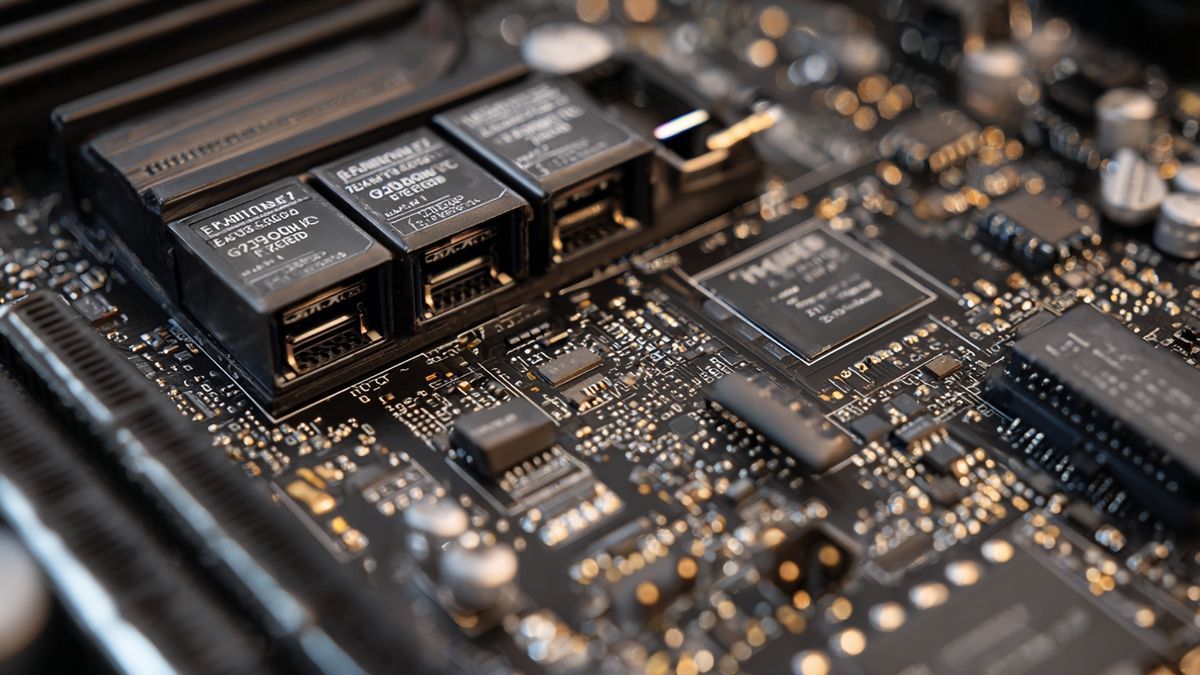
If you’re already on hardware that runs Fortnite comfortably, there’s a good chance you can meet these checks without buying anything. The work is usually in the firmware menu (often called UEFI/BIOS), where motherboard vendors hide settings under slightly different names. TPM may appear as PTT on Intel boards or fTPM on AMD. Secure Boot is often one switch, but it can require your system to be in UEFI mode rather than legacy/CSM. For VBS and related virtualization features, you might see options such as IOMMU (AMD) or VT-d (Intel) alongside general virtualization toggles. The exact labels vary, which is why people get stuck even when their PC is fully capable.
My practical tip, said the way I’d tell a friend: take it slow and change one thing at a time. Screenshot your current firmware settings before touching anything. If you flip Secure Boot and your machine suddenly doesn’t boot, it’s usually a configuration mismatch (UEFI vs legacy) rather than a dead PC, but it can still ruin your evening. Also, check Windows security pages for whether Secure Boot is recognized and whether TPM 2.0 is present, because that confirms you’re not just toggling a setting that didn’t “stick.” Some players also use system-info tools to see whether virtualization-based security is running, which helps when tournament time is close and you don’t want surprises.
Once those protections are on, the idea is that your competitive environment is harder to tamper with using the kinds of cheats that need deep system access. It won’t fix bad ping, it won’t teach surge routes, and it won’t save you from a missed edit, but it does raise the baseline fairness for everyone in the lobby. And if you’ve ever lost a wager match to someone doing things that didn’t look physically possible, you get why organizers are pushing in this direction—even if it’s annoying to spend a night in firmware menus.
Which Fortnite modes and players are covered by the new rule?
The clearest line is between Fortnite tournaments and the rest of the game. Epic has previously tied some competitive access to higher account thresholds for certain events, and now the scope is presented more broadly across tournament participation: if you want to compete officially, your PC needs the kind of security posture normally associated with Windows 11-era standards. That can include TPM, Secure Boot, and VBS, even if your Windows install doesn’t strictly enforce them by default. For everyday players, the message is basically “carry on,” at least for now, because the requirement is about event integrity rather than general matchmaking access.
| Category | Who it applies to | Typical expectation |
|---|---|---|
| Official tournaments | Players entering competitive events | Enable TPM, Secure Boot, and VBS |
| Public matches | Most casual and regular players | No new tournament-grade checks implied |
| Creators & social play | Creative, community sessions, chill queues | Focus stays on gameplay, not firmware settings |
Conclusion
Epic Games is tightening the rules for competitive Fortnite tournaments by requiring Secure Boot and TPM, alongside modern Windows security options. For most players, nothing changes: casual matches and regular play stay accessible without extra steps. That’s honestly a relief.
The message is clear: protect tournament integrity against kernel-level cheats and harder-to-detect tools. If you plan to compete, check your PC settings in UEFI and enable Trusted Platform Module and Secure Boot. It takes a few minutes, and it can save you a last-second disqualification. No drama, just preparation.
Sources
- Epic Games. « Fortnite Competitive: Tournament Requirements (TPM, Secure Boot, and VBS) ». Epic Games, 2025-02-07. Consulté le 2026-02-15. Consulter
- Microsoft. « Windows 11 requirements ». Microsoft Learn, 2024-05-01. Consulté le 2026-02-15. Consulter
- Microsoft. « System Guard Secure Launch and SMM Protections ». Microsoft Learn, 2024-10-10. Consulté le 2026-02-15. Consulter
- Microsoft. « Virtualization-based Security (VBS) ». Microsoft Learn, 2024-08-15. Consulté le 2026-02-15. Consulter
- Valve Corporation. « Steam Support: System Information ». Steam Support, s.d. Consulté le 2026-02-15. Consulter
Source: www.tomshardware.com

Inima, 35 years old, passionate about Fortnite. Always ready to take on challenges and share intense moments in the gaming world.